GA4, Google Tag Manager and conversion tracking setup
Small, fixed-price tracking jobs: GA4 key events, Google Tag Manager, Google Ads conversions and e-commerce purchases for WooCommerce and Shopify. $190 per website, tested before handover.
Why tracking breaks
A plugin, a hard-coded gtag and a Tag Manager tag all send the same event, or the thank-you page sends the purchase again on every reload.
The buyer leaves for the payment page and comes back, so GA4 credits the sale to the payment gateway, not to the ad or search that brought them.
Without a working conversion action, or with one that counts page views, automated bidding learns from clicks that never became leads.
What we set up
Form submissions, call clicks, WhatsApp and email clicks sent as GA4 events and marked as key events, so reports show leads, not only sessions.
One container installed once, duplicate tags removed, clear names for tags and triggers, and a list of what fires where.
Conversion actions imported from GA4 or sent by the Google Ads tag, with primary and secondary actions set so bidding counts only real leads or sales.
view_item, add_to_cart, begin_checkout and purchase with value, currency and transaction ID. Payment gateways added to unwanted referrals.
Google consent mode connected to your cookie banner, so tags respect the visitor’s choice and Google still receives the signals it is allowed to.
If you are not sure what is broken: what fires, what is duplicated and what is missing, with a written list of fixes before we change anything.
Three steps, up to 5 business days
- Step 1Access and scope
You give access to GA4, Tag Manager, Google Ads and the site or store admin. We agree on the conversions, up to 5, and send the invoice.
- Step 2Setup in your accounts
Tags, triggers and events go into your own accounts. Nothing depends on accounts we own, and access can be removed when we finish.
- Step 3Test and handover
We test with real form submissions or test orders, check that each conversion is counted once and send a short written log of every change.
Watch the 1-minute walkthrough
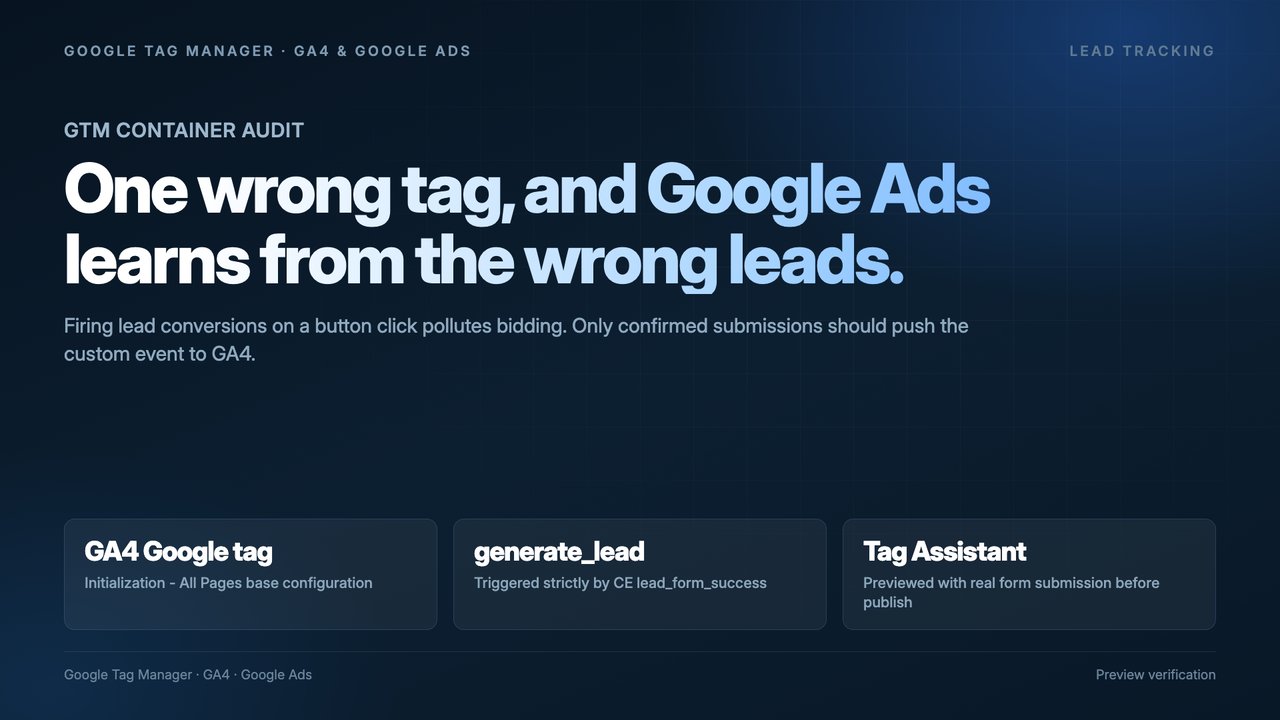
One-time fixed price for one website: GA4, Google Tag Manager and up to 5 conversions, connected to Google Ads if you run ads. More conversions, more websites or server-side tracking are quoted before work starts.
Paid in advance by bank transfer. Invoices are issued in USD by our international contracting company, with its full legal details on every invoice; bank fees are paid by the sender. You receive the scope and the invoice before any payment.
- ✓GA4 key events for your leads or sales
- ✓Google Tag Manager container set up or cleaned
- ✓Google Ads conversion actions, if you run ads
- ✓E-commerce events for WooCommerce or Shopify
- ✓Tests with real submissions or test orders
- ✓Written log of what was changed
Request tracking setup
Send your website and what you need to count. We reply within 1 business day with the scope and the invoice.
Running Google Ads already? Tracking is the first thing we check in an account audit. Not sure where the leads are lost? Start with the free 4Queries audit.
Tracking setup: common questions
What does the $190 setup include?+
One website, GA4, Google Tag Manager and up to 5 conversions, for example a form, a call click, a WhatsApp click and a purchase, connected to Google Ads if you run ads. It takes up to 5 business days after payment and access.
Is tracking setup included in your monthly services?+
Yes. In month 1 of SEO or Google Ads at $990 per month, tracking is set up as part of the work. The one-time setup is for businesses that need only tracking.
Why do GA4 and my store show different numbers?+
A small gap is normal: ad blockers, declined cookie consent and refunds. Large gaps usually come from duplicated purchase events, events lost after a payment redirect or a wrong currency. Test orders show which one it is.
Do I need Google Tag Manager?+
Not always, but it keeps all tags in one place, so changes do not need a developer and duplicates are easy to find. For most WooCommerce and WordPress sites we recommend it.
Can you set up server-side tracking?+
It is not part of the $190 setup, because it needs a server container and hosting costs. Tell us your traffic and platform, and we say whether it is worth it before quoting.
Do you see our customer data?+
We work in your accounts and test with our own test orders. We do not export customer lists. For clinics, we set up tracking so that no patient health information is sent to Google or other ad platforms.
See where you stand in all four places
Send us your website. We check Google Search, AI answers, maps and reviews, and Google Ads, then show you what to fix first.
Get a free 4Queries audit