CozyNode: your own VPS as a private proxy for Chrome
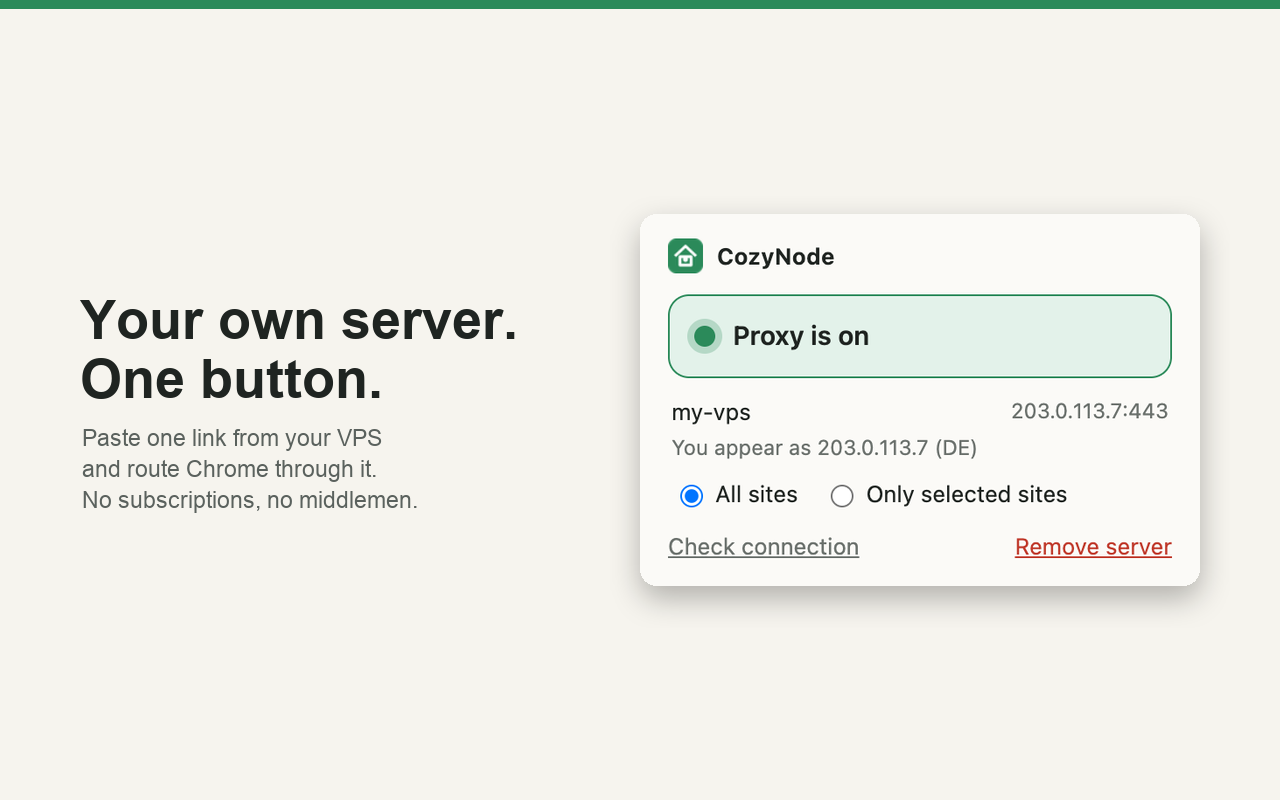
One command turns a server you already rent into an encrypted HTTPS proxy with a login and a free TLS certificate. Paste the link it prints into the extension and press one button. No subscriptions and no middlemen: your traffic goes only to your own machine.
The Chrome Web Store listing is in review. Until it is live, load the zip as an unpacked extension: three steps below.
No third party in the middle
Chrome talks to your VPS over TLS, the VPS talks to the web. No accounts, no analytics, nothing is sent to us. Works on any Linux VPS, amd64 or arm64.
One button, two modes
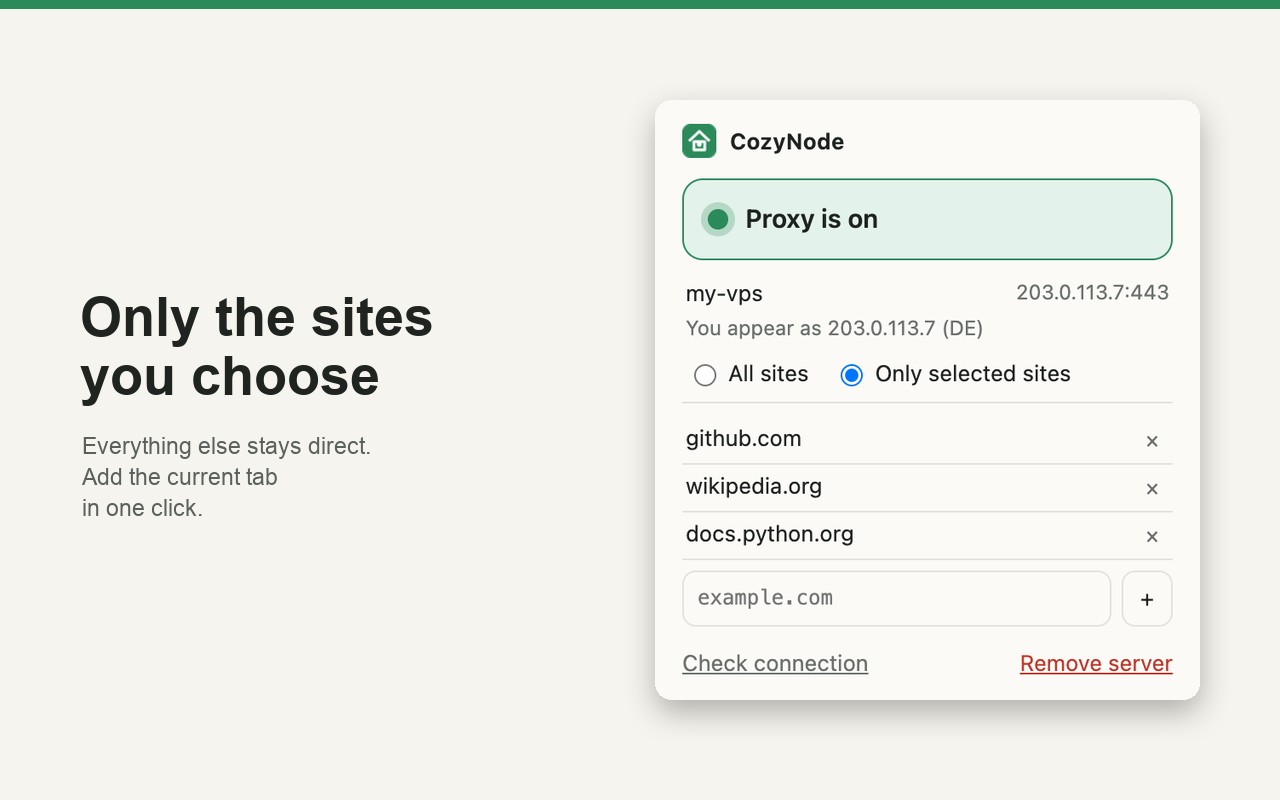
Send all traffic through the server, or only the sites you pick: "Add current site" takes the open tab in one click. Everything else goes direct.
IP, DNS and WebRTC covered
DNS is resolved on the server, WebRTC is limited to the proxy while it is on, and the check button shows the IP and country that websites see.
Set up the server in two minutes
On a fresh Ubuntu or Debian VPS run one command. It downloads a pinned sing-box release (sha256 checked), creates a random login, gets a Let's Encrypt certificate for the server IP (no domain needed), opens the port in ufw and prints your link.
curl -fsSL https://raw.githubusercontent.com/trendbender/cozynode/main/server/install.sh | sudo bash

# output
cozy://cozyXXXXXX:************************@203.0.113.7:443#my-vps

# later: the same command ending in  | sudo bash -s <command>
#   link        show the link again
#   add-user    a separate login for a second person or device
#   status      service and certificate
#   uninstall   remove everything
Already running nginx on 80 and 443? Use --port 8443 --acme-http-port 18480 and forward only /.well-known/acme-challenge/ to that port; the README has the nginx snippet. If your provider has a cloud firewall, allow TCP on the proxy port and on 80.
Connect Chrome
- 1. Download cozynode-0.1.1.zip and unzip it. Open
chrome://extensions, turn on Developer mode, press "Load unpacked" and pick the unzipped folder. - 2. Click the CozyNode icon and paste the
cozy://link from the server. - 3. Press the button. Choose all sites or only selected sites, then "Check connection" to see the IP websites see.
The same server for the whole device
The extension covers Chrome. For a phone, use the free open-source sing-box app with the same server and the same login, no server changes. The installer prints a ready profile:
curl -fsSL https://raw.githubusercontent.com/trendbender/cozynode/main/server/install.sh \
  | sudo bash -s ios-profile > cozynode.json
Send the file to the device (AirDrop or Files), import it in the sing-box app and press Start. TCP and DNS go through your server; other UDP is refused, so apps fall back to TCP. The profile contains the login: keep it private.
- Without a login the proxy answers 407. The link is the only secret; give every person their own login with add-user.
- The proxy refuses private ranges, CGNAT and the server's own closed ports, so a proxy login cannot reach databases or admin panels on the VPS.
- The certificate renews itself; the sing-box version and checksum are pinned in the script you can read.
- The extension stores your link only on your device. Privacy policy.
Need a custom browser tool or internal automation?
We build extensions, server scripts and integrations for teams. Tell us what eats your team's time.
Get a free 4Queries audit